Working with a sequence of images
In this notebook, we will look at how to work with a sequence of images, and possibly change some parameters on the fly. As in all examples, we will start with setting the Keras backend.



‼️ Important: This notebook is optimized for GPU/TPU. Code execution on a CPU may be very slow.
If you are running in Colab, please enable a hardware accelerator via:
Runtime → Change runtime type → Hardware accelerator → GPU/TPU 🚀.
[1]:
%%capture
%pip install zea
[2]:
import os

os.environ["KERAS_BACKEND"] = "jax"
[3]:
import keras

import zea
from zea.visualize import set_mpl_style
from zea.internal.notebooks import animate_images
zea: Using backend 'jax'
[4]:
n_frames = 15
n_tx = 11
n_tx_total = 127
We will work with the GPU if available, and initialize using init_device to pick the best available device. Also, (optionally), we will set the matplotlib style for plotting.
[5]:
zea.init_device(verbose=False)
set_mpl_style()
Let’s initialize a default B-mode ultrasound image formation pipeline.
[6]:
pipeline = zea.Pipeline.from_default(enable_pfield=False, with_batch_dim=False)
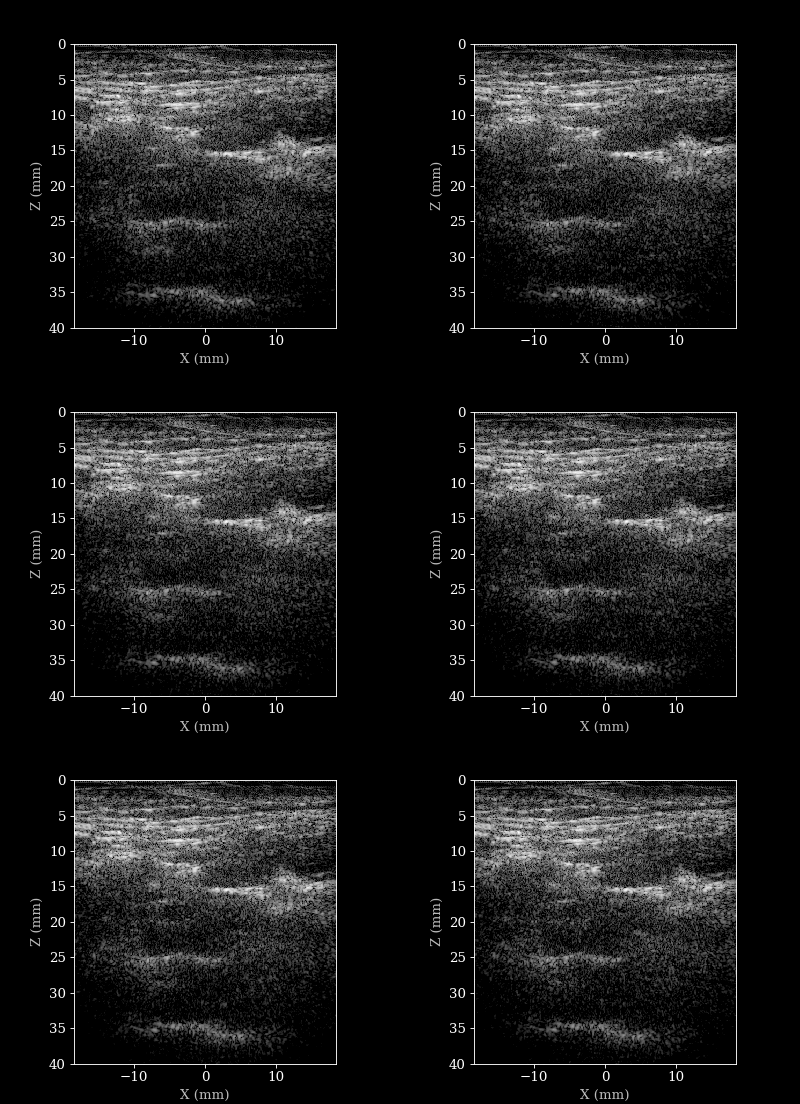
We will load a sequence of acquired RF data frames (carotid scan) and reconstruct a B-mode image from each frame. We will then animate the sequence of images. But first let’s load the data and parameters.
[7]:
# this can take a while to download
file_path = "hf://zeahub/zea-carotid-2023/2_cross_bifur_right_0000.hdf5"  # ~25GB
# so let's use the smaller one by default:
file_path = "hf://zeahub/zea-carotid-2023/2_cross_bifur_right_0000_small.hdf5"  # ~2.5GB

frames = list(range(n_frames))  # use first 15 frames for demonstration
with zea.File(file_path, mode="r") as file:
    data = file.data.raw_data[frames]
    parameters = file.load_parameters()

parameters.set_transmits(n_tx)  # reduce number of transmits for faster processing
parameters.zlims = (0, 0.04)  # reduce z-limits a bit for better visualizations

config = zea.Config(parameters={"dynamic_range": (-40, 0)})
zea: WARNING This ``zea.File`` '/root/.cache/zea/huggingface/datasets/datasets--zeahub--zea-carotid-2023/snapshots/ecae16d62a54cd362afd1b69cc5d8c4a28d5404f/2_cross_bifur_right_0000_small.hdf5' was created with a legacy version of zea (<0.1.0), while you are using zea v0.1.0. It may behave in unexpected ways. Install an earlier version of zea<0.1.0 for full compatibility or re-save the file with zea v0.1.0 or later (e.g. via File.create).
Reconstructing a sequence of B-mode images
[8]:
images = []
n_frames = data.shape[0]
progbar = keras.utils.Progbar(n_frames, stateful_metrics=["frame"])

inputs = pipeline.prepare_parameters(parameters, **config.parameters)

for frame_no in range(n_frames):
    output = pipeline(data=data[frame_no, parameters.selected_transmits], **inputs)
    image = output.pop("data")
    inputs = output
    images.append(image)
    progbar.update(frame_no + 1)

animate_images(images, "./bmode_sequence.gif", parameters, interval=100, cmap="gray")
 1/15 ━━━━━━━━━━━━━━━━━━━━ 20s 1s/stepzea: DEBUG [zea.Pipeline] The following input keys are not used by the pipeline: {'n_ch', 'center_frequency'}. Make sure this is intended. This warning will only be shown once.
15/15 ━━━━━━━━━━━━━━━━━━━━ 5s 218ms/step
Change transmits on the fly
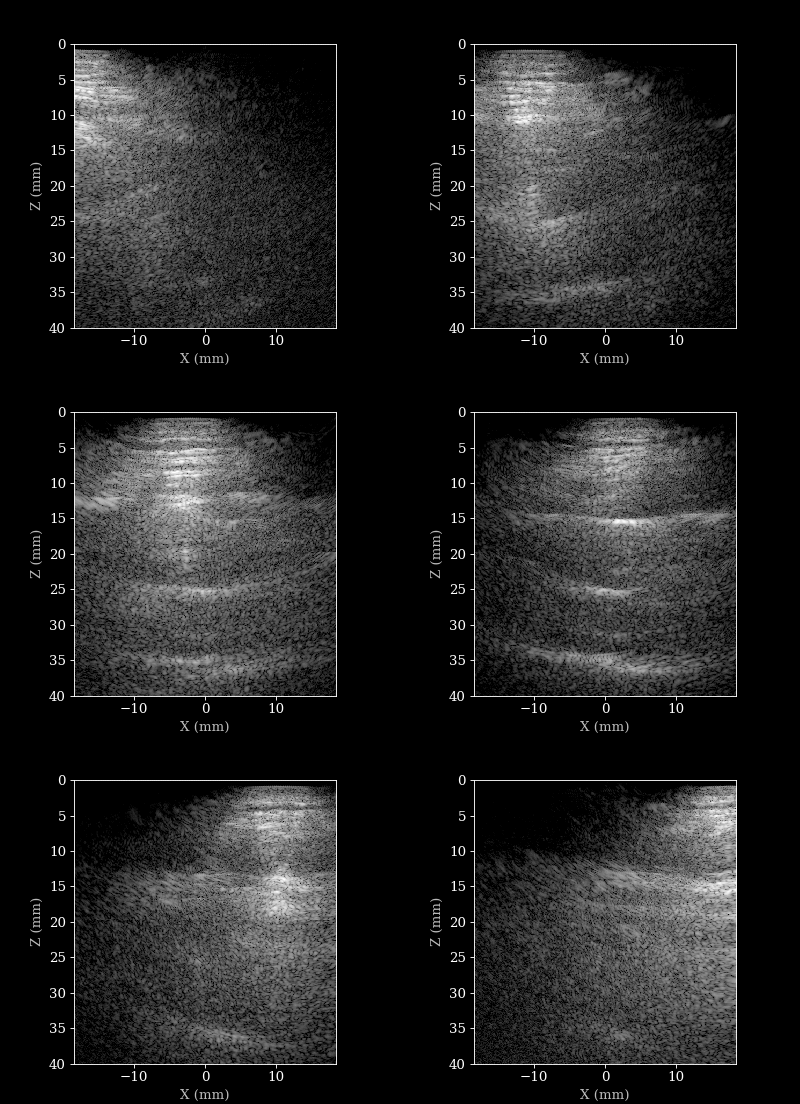
We now used 11 transmits throughout for every frame. We can also sweep through the the transmits for each frame to see how it affects the image quality.
[9]:
images = []
n_frames = len(frames)
progbar = keras.utils.Progbar(n_frames, stateful_metrics=["frame"])

for idx, frame_no in enumerate(frames):
    tx_idx = int(round(idx * (n_tx_total - 1) / (n_frames - 1)))
    parameters.set_transmits([tx_idx])
    raw_data_frame = data[frame_no, tx_idx][None, ...]
    inputs = pipeline.prepare_parameters(parameters)
    output = pipeline(data=raw_data_frame, **inputs)
    images.append(output["data"])
    progbar.update(idx + 1)

animate_images(images, "./tx_sweep.gif", parameters, interval=100, cmap="gray")
15/15 ━━━━━━━━━━━━━━━━━━━━ 2s 97ms/step